A Discord bot you write yourself
Mallard runs your JavaScript on Discord events. It installs with 32 open moderation commands you can inspect, edit, and rewrite from your dashboard.
Built for server owners who code
Everything you need to build and run custom automations without DevOps or hosting overhead.
Inside the dashboard
Direct captures of the live editing, configuration, and monitoring interfaces.
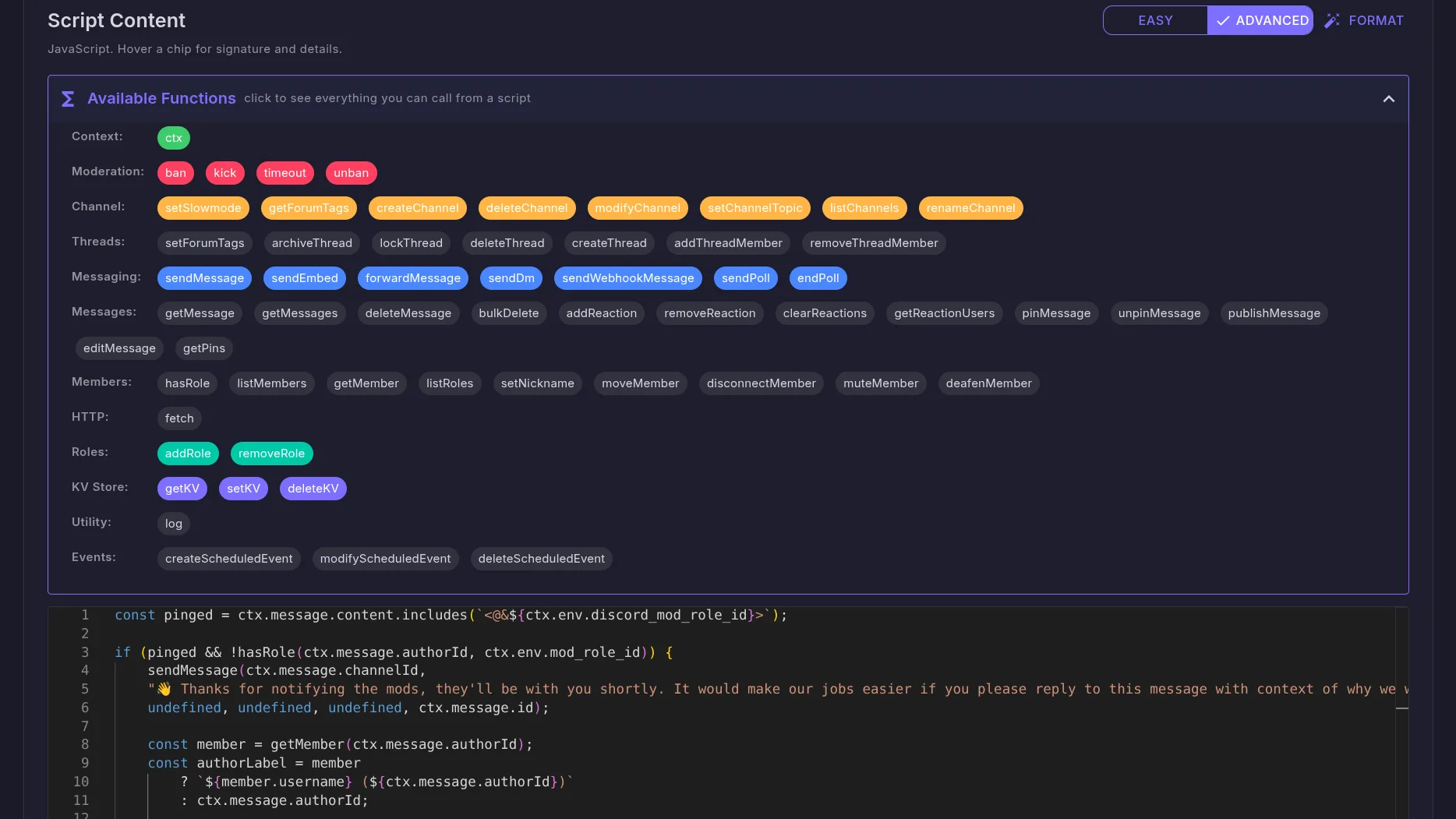
Monaco code editor with autocomplete
Syntax highlighting and autocomplete against the bot API. Changes are live immediately upon saving.
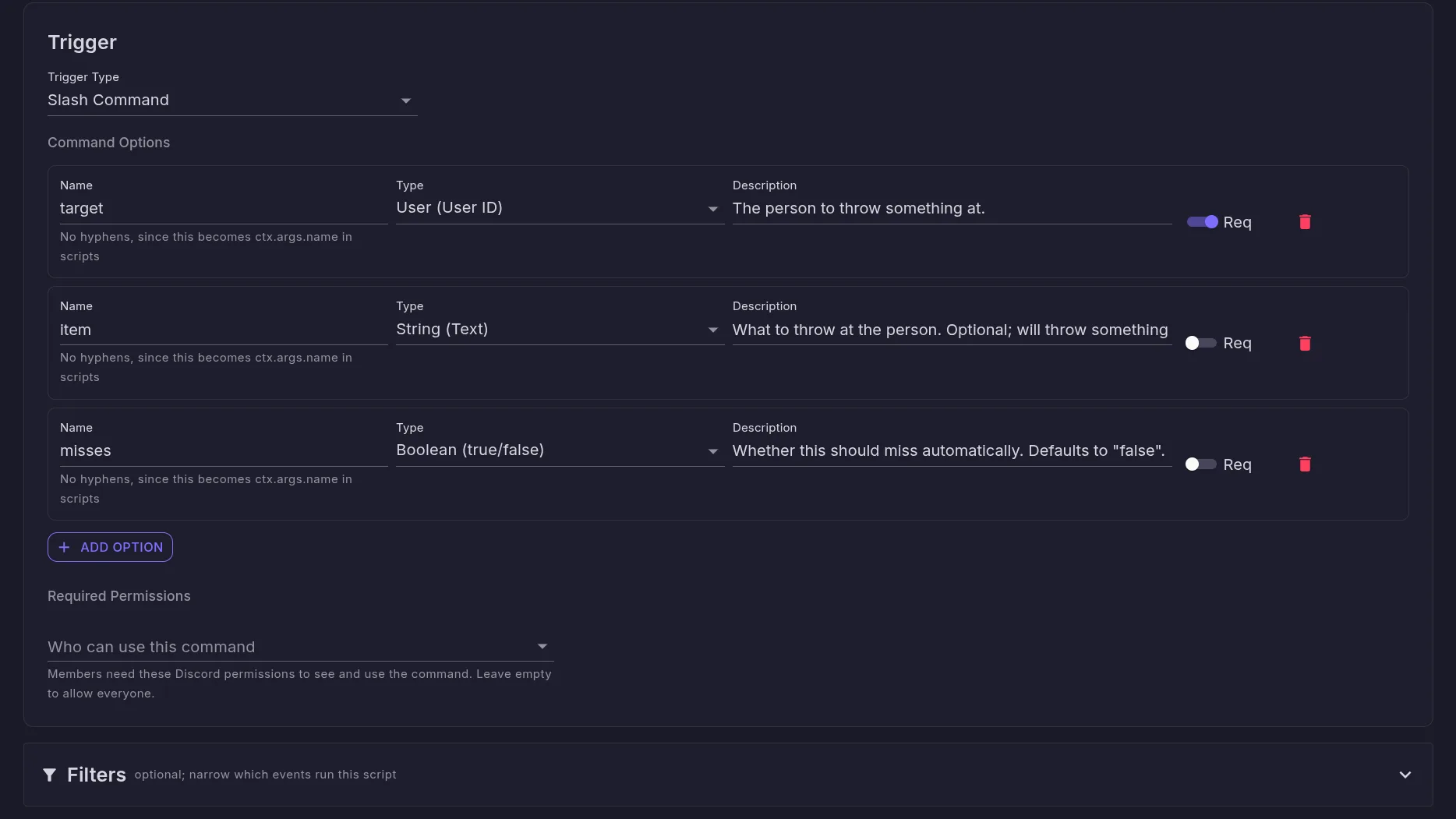
Configurable slash commands
Define typed options, required flags, and member permissions. Mallard registers them directly with Discord.
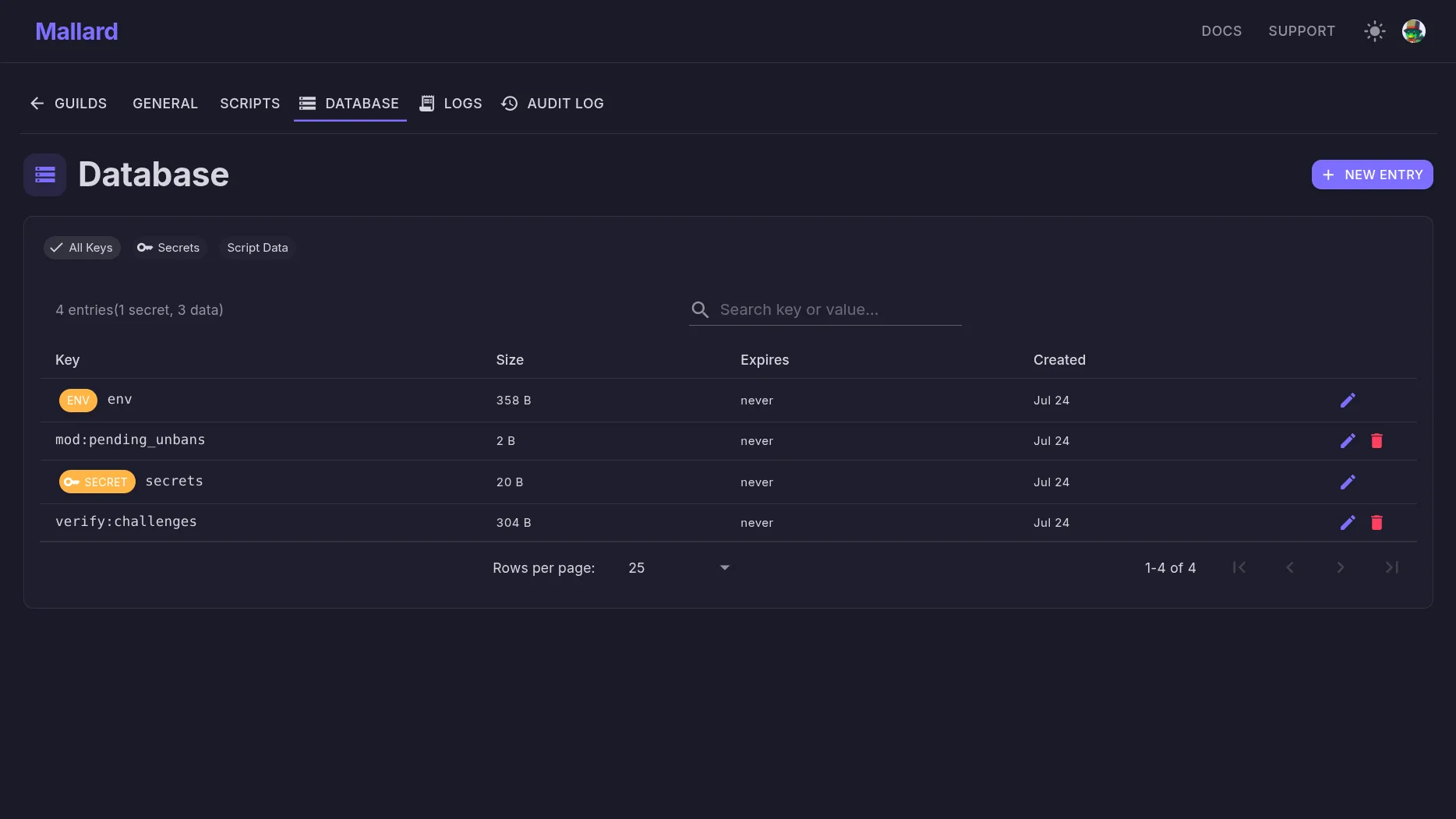
Shared guild key-value storage
Persistent key-value storage and sorted-set leaderboards for scripts, alongside environment values managed in the dashboard.
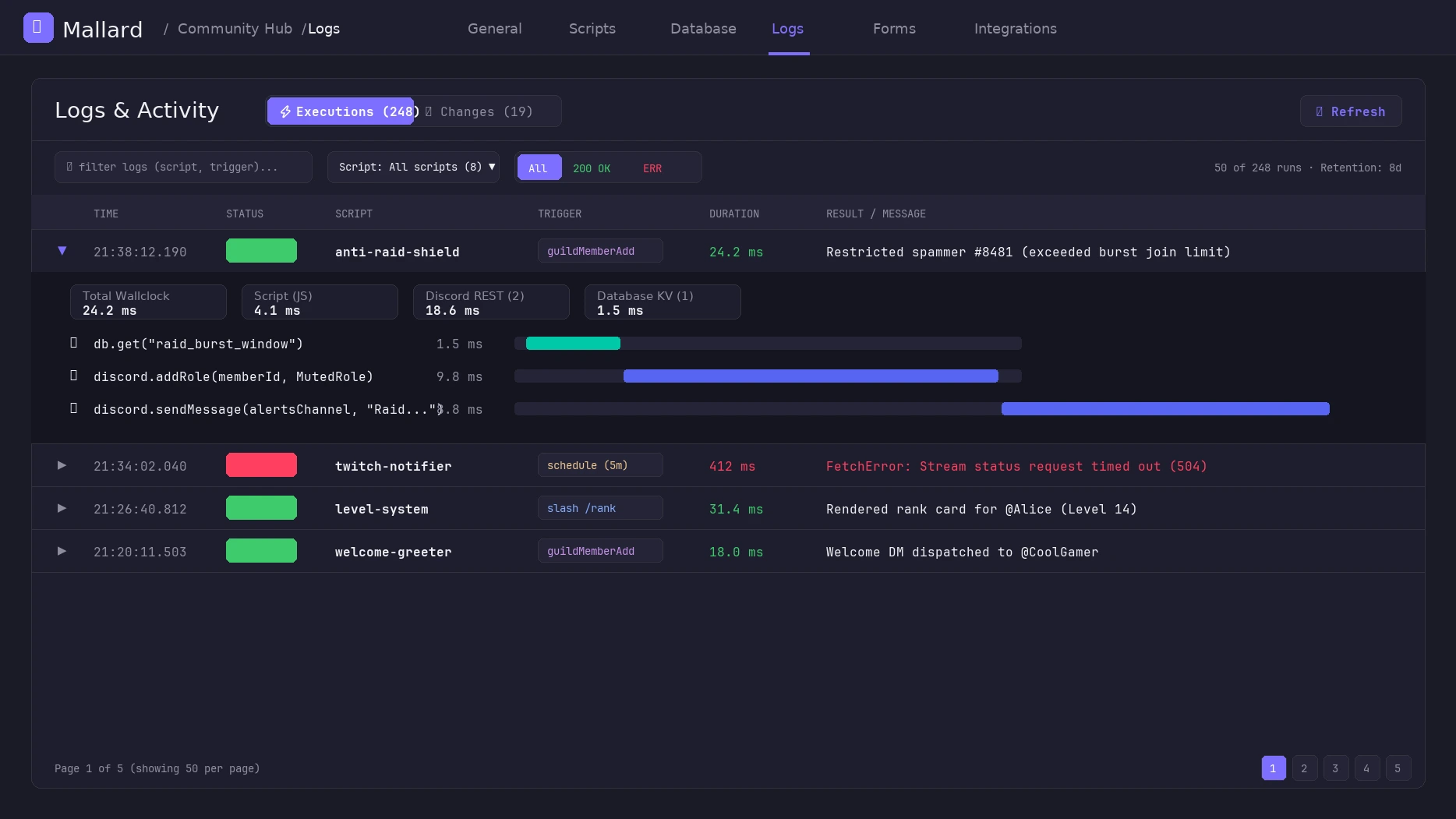
Live execution traces and activity logs
Debug script runs in real time with sub-millisecond execution breakdowns and full configuration audit history.
beta: pricing and tier limits are subject to calibration
What a script looks like
Plain JavaScript against a small API. Discord actions, an HTTP client, per-guild storage, and native AI and streaming integrations.
Catch image-spam automatically
// Times out repeat image-posters for mods to review, no command needed
const key = `imgspam.${ctx.message.authorId}`;
const recent = JSON.parse(await getKV(key) || "[]")
    .filter(e => Date.now() - e.timestamp < 10000);
recent.push({ messageId: ctx.message.id, timestamp: Date.now() });
await setKV(key, JSON.stringify(recent), 60);

if (recent.length >= 3 && ctx.message.attachments.length > 0) {
    const target = await ctx.guild.members.fetch(ctx.message.authorId);
    if (target) await target.timeout(1440 * 60000, "Image spam");
    if (ctx.env.mod_alert_channel_id) {
        await discord.channels.createMessage(ctx.env.mod_alert_channel_id, "🖼️ Timed out for image spam. Please review.");
    }
}Summarize recent chat with AI
// OpenRouter AI is configured on the Integrations page, so scripts
// call aiChat() directly without exposing any API keys
const chat = (await getMessages(ctx.channelId, 100)).reverse()
    .map(function (m) { return m.authorDisplayName + ": " + m.content; })
    .join("\n");

const res = await aiChat("Summarize this chat:\n" + chat, {
    model: "google/gemini-3.5-flash-lite"
});
await ctx.interaction.editReply(res.content);Announce when you go live
// Twitch events arrive as triggers just like Discord ones
if (ctx.env.twitch_announce_channel_id) {
    await discord.channels.createMessage(ctx.env.twitch_announce_channel_id, {
        embeds: [{
            title: "🔴 Live now: " + ctx.twitch.title,
            description: "Playing " + ctx.twitch.category
                + " at twitch.tv/" + ctx.twitch.broadcasterLogin
        }]
    });
}Post YouTube uploads automatically
// Fires on upload without RSS polling. ctx.youtube gives you title, url, etc.
if (ctx.youtube.isShort) return; // Skip YouTube Shorts if desired

await discord.channels.createMessage(ctx.env.yt_announce_channel_id || ctx.channelId,
    `📺 New video from **${ctx.youtube.channelTitle}**: **${ctx.youtube.title}**\n${ctx.youtube.url}`);
Start with what you need
Install the bot, use the included moderation commands, and customize them as your server grows. Add new commands in JavaScript whenever you're ready. The docs cover every trigger and function.
Questions, or want to see what other servers are running? The support server has a scripts hub.